10 Best AI Writing Tools for 2026: What Each Does Well
You're staring at a half-finished draft, with three browser tabs open for AI subscriptions. One assistant has rewritten your introduction into bland corporate prose. Another wants more context. The email, research brief, or manuscript still needs finishing, and you're spending more time choosing a tool than writing.
The right AI writing tool depends on the job, not the longest feature list. Polishing a sensitive email calls for different help than organizing source documents or developing a fictional scene. A useful assistant should reduce the work between your rough draft and something you can confidently send.
Think of this as ten AI writing tools, matched to the jobs they do. The comparisons cover practical uses, free access, paid-plan thresholds, and limitations that matter once you start revising. Prices are listed in US dollars, with annual billing identified where applicable. Treat listed rates as a comparison point, then confirm checkout terms before paying.
- Starting from notes: Look for conversational drafting and document support.
- Improving existing prose: Prioritize controlled edits that preserve meaning.
- Producing specialist content: Choose workflows built for marketing, research, or fiction.
Storytelling deserves its own criteria, too. An overview of how Dunia supports interactive storytellers is useful if your writing involves branching narratives rather than conventional documents.
Table of Contents
- 1. BromeAI
- 2. ChatGPT
- 3. Claude
- 4. Grammarly
- 5. QuillBot
- 6. Wordtune
- 7. Jasper
- 8. Copy.ai
- 9. Sudowrite
- 10. Rytr
- How the Leading AI Writing Tools Compare on Price, Free Access and Best Use
- Choosing the Right AI Writing Tool for Your Next Draft
1. BromeAI
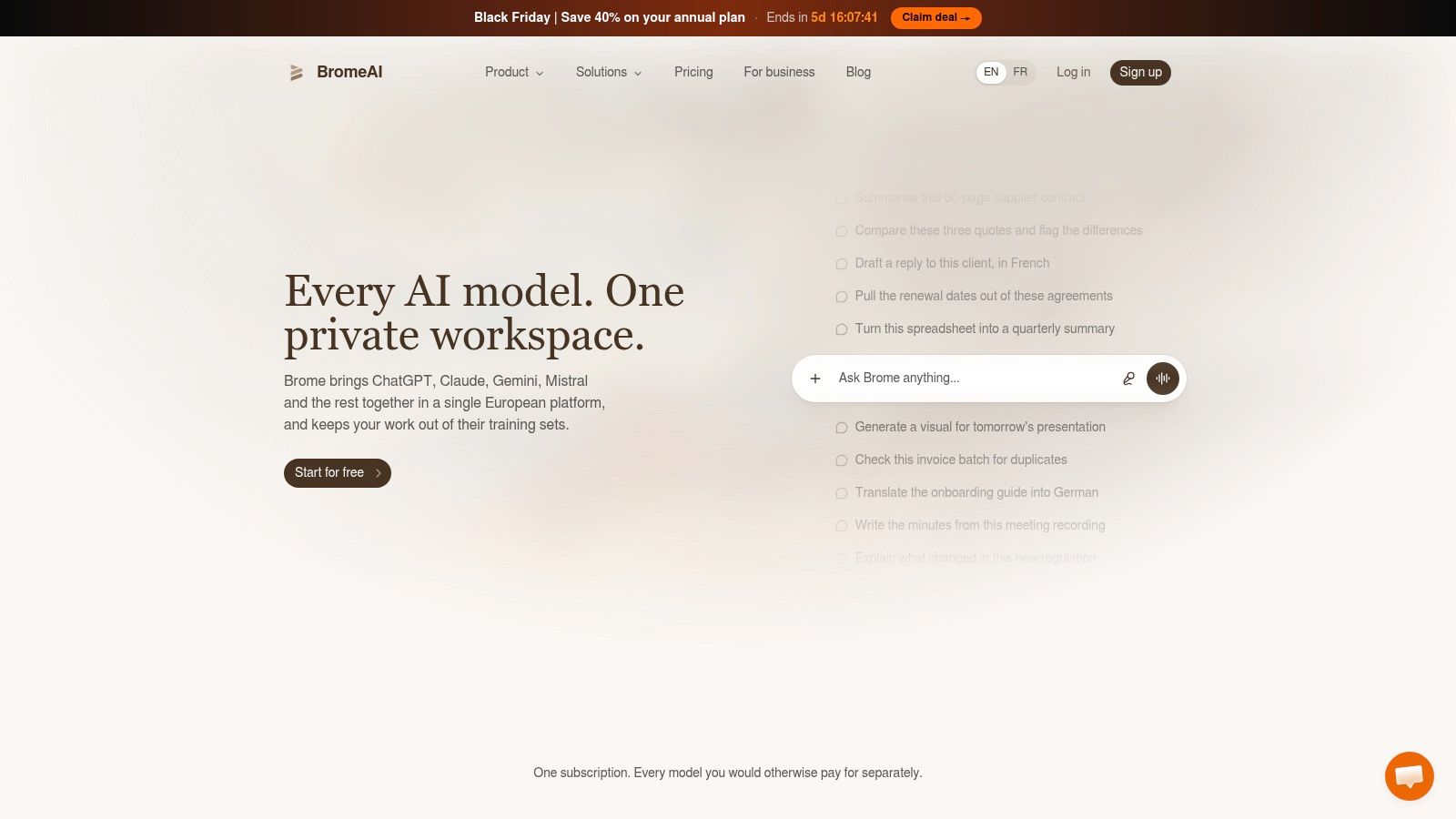
BromeAI exists for writers paying for three or four AI subscriptions that do not work together and guessing which one to ask. One subscription puts ChatGPT, Claude, Gemini, Mistral, DeepSeek, Perplexity, and Qwen in a shared workspace. Automatic routing picks a model per question, or you pick your own and switch mid-conversation without losing the thread.
Best for turning scattered research and files into a working draft. Say you are writing a supplier brief from a contract, an invoice, and a budget workbook. Drop the PDF, DOCX, and XLSX files into one conversation, where they are read together as a single case, then ask for a source-grounded summary, open questions, and a draft recommendation. Verify financial and contractual readings yourself.
Where the Shared Workspace Helps
Agentic AI handles multi-step jobs: it shows the task list before anything runs, searches the web, reads sources, and generates images, then reports back with sources once every task is done. Studio creates images and video in the same conversation where you write, with FLUX, Stable Diffusion, Recraft, and GPT Image for stills and Sora, Veo, Kling, and Hailuo for video. An existing image can set composition or style, and presets spare you a rewritten prompt.
- Cross-device work: Web, iOS, and Android stay in sync; start a draft on a laptop, finish it on a phone.
- Spoken drafting: Dictation transcribes and punctuates speech, with playback to check every word before sending.
- Model control: Routing saves selection effort; a manual switch gives a second reading from another model with files still in context.
Plans and limits: Document analysis is included in every plan, and the entry tier covers shared model access with live web search. Plus adds further frontier models, and Pro adds a workflow engine that automates AI tasks, priority support, and twice the video generation of Plus. New frontier models reach the picker as they are released.
BromeAI is based in France with EU hosting and states GDPR compliance. Its terms allow anonymized excerpts of your content for analytics and product improvement unless you opt out in writing; set that preference early if you handle confidential drafts.
The trade-off is control: routing picks the model unless you override it, and one subscription ties drafting, documents, and media to a single platform.
2. ChatGPT
An untidy collection of notes is a good starting point for ChatGPT. Give it the audience, the decision your reader needs to make, and the facts it must preserve. Ask for an outline before requesting finished prose.
Best for flexible drafting and follow-up revision, it can help with emails, summaries, presentation notes, briefs, and brainstorming. File uploads and document analysis extend that workflow, while eligible plans offer voice conversations, image generation, and Deep Research.
Ask for a specific editorial operation, such as moving the recommendation forward, rather than asking it to make everything better.
There's evidence for assistive use, not autonomous publishing. A preregistered experiment involving college-educated professionals found 40% faster task completion and 18% higher evaluator-rated quality with ChatGPT on occupation-specific writing tasks, according to the Science paper.
- Free access and pricing: A free plan is available, and ChatGPT lists Plus at $20 per month.
- Main limitation: It isn't a specialist proofreader, and fluent output still needs factual and stylistic review.
- Upgrade threshold: Consider paying when access or feature limits interrupt useful work, not just because a paid tier exists.
Available models and paid-plan usage limits can vary. If your workflow already involves several assistants, this explanation of an AI aggregator platform helps distinguish direct subscriptions from a shared workspace.
3. Claude
Claude is a practical shortlist choice for reorganizing a long draft. Start with your own material and ask it to identify repetition, unsupported transitions, and sections that belong elsewhere. That's a more controlled use than requesting a complete replacement manuscript.
For a research introduction, separate structural editing from sentence editing. First ask whether the argument progresses logically. Then revise individual sections while preserving technical terms, qualifications, and citations.
Best Used as a Structural Editor
Conversational follow-ups let you adjust tone and organization without rebuilding the assignment each time. Claude can work with user-provided material in supported workflows, making it useful for outlines, document-based drafting, and longer prose.
- Strength: Flexible revision instructions suit writers who already know what their draft needs.
- Limitation: The open-ended workflow provides less guidance than a dedicated proofreading or marketing product.
- Free access and pricing: Claude offers free and paid access, but a supported paid-price threshold isn't established here. Confirm the current plan rate and availability before subscribing.
Don't confuse a convincing rewrite with a verified argument. Check that the revised version hasn't strengthened a tentative conclusion or removed a necessary exception.
Resume writing makes that distinction especially clear. Comparing how each chatbot handles resume tone can help you judge whether an edit clarifies an achievement or merely makes it sound grander.
Pay for sustained revision needs, not the assumption that a subscription removes the need for specialist proofreading.
4. Grammarly
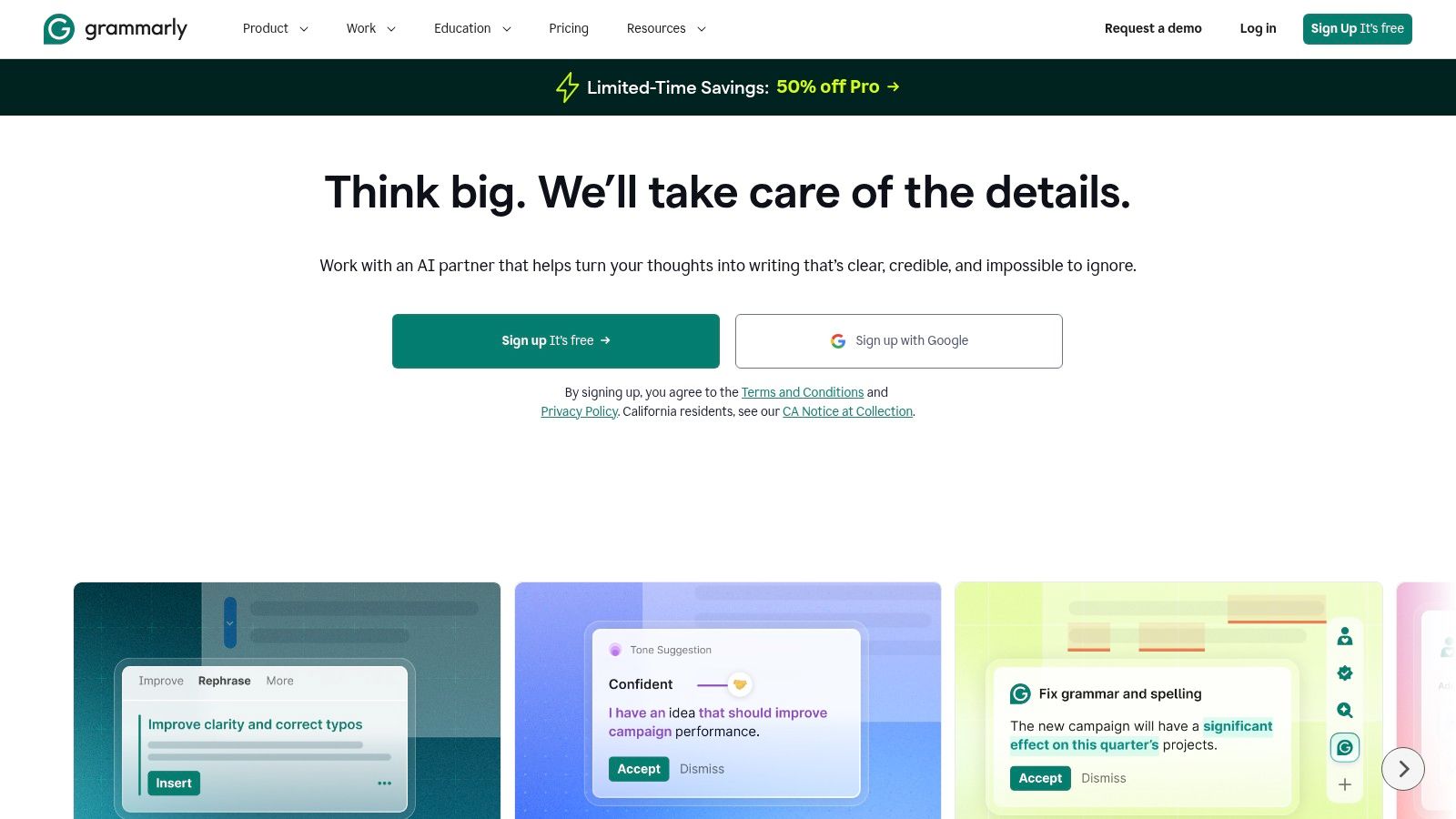
Grammarly fits the email you've already written but haven't sent. Its browser and app integrations put grammar, spelling, clarity, and tone suggestions near the text instead of requiring another drafting session.
That makes it a sensible companion for reports, everyday correspondence, and documents with a clear structure. Generative features can also help with brainstorming and rewriting, but its strongest practical role is polishing existing work in place.
Preserve Meaning Before Accepting Suggestions
A shorter sentence isn't automatically a better sentence. In a technical report, changing a cautious verb can alter the strength of the claim. In a client email, softening a direct request can obscure what the recipient needs to do.
- Free access and pricing: Grammarly lists a free plan with 100 AI prompts per month and Pro at $12 per month.
- Paid benefit: Pro adds full-sentence rewriting and expanded AI prompting.
- Main limitation: It's less suited to building a long marketing article from a detailed brief than to editing text you already have.
Review suggestions individually when the wording carries legal, scientific, or commercial significance. Reject edits that make your prose smoother but less exact.
For students, language assistance should remain separate from authorship and evidence. This guide to using an assignment helper responsibly provides a useful starting point for keeping those boundaries clear.
Upgrade when sentence-level rewriting is a recurring need, not when basic spelling corrections already solve the problem.
5. QuillBot
A literature-review paragraph can be too dense without being wrong. QuillBot is useful when you need to condense or rephrase existing text, rather than generate an argument from scratch.
Its toolkit includes paraphrasing, summarizing, grammar checking, citation-related tools, plagiarism checking, and AI detection features. Browser extensions and integrations make it easier to move between reading and revision.
Editorial safeguard: Compare every paraphrase against the original for meaning, not just different wording.
For academic work, read the source before using a summary. Then write your interpretation and use paraphrasing selectively where your sentence is tangled. A rewrite still needs attribution when the underlying idea belongs to someone else.
- Free access and pricing: QuillBot offers a limited free tier and lists Premium at $8.33 per month when billed annually.
- Paid benefit: Premium expands usage and adds paraphrasing modes and review features.
- Main limitation: Rephrasing can change nuance, and the free tier has word and feature limits.
Don't treat an AI detector as proof of authorship. An ACL Findings paper on AI-text detection describes problems distinguishing levels of AI involvement and sensitivity to writing style and polishing.
That matters when evaluating legitimate student or professional writing. Keep notes, sources, and revision history instead of chasing a reassuring detector result.
QuillBot is a better purchase for frequent text transformation than for creating a complete article from a complex editorial brief.
6. Wordtune

Sometimes the paragraph is sound and a single sentence is the problem. Wordtune suits local rewriting, especially when an email sounds abrupt or an explanation feels harder to read than it should.
Its sentence and paragraph alternatives let you compare phrasing without constructing a detailed prompt. Tone adjustments and summarization also help with short documents and everyday communication.
Choose Alternatives in Context
Say you're declining a proposed deadline. Ask for clearer phrasing, then check that the alternative still declines it. A warmer rewrite that accidentally implies agreement isn't an improvement.
Use the same care with conditions, responsibilities, and dates. Read the sentence before and after the replacement, because a good standalone suggestion can repeat a point or break a transition.
- Free access: Wordtune offers a free Basic plan with limited daily rewrites and monthly summaries.
- Pricing threshold: Annual plans advertise student and educator discounts, but a supported paid subscription amount isn't established here.
- Main limitation: Suggestions can shift meaning, and the product isn't a complete SEO or long-form production workspace.
The clearest reason to upgrade is repeated interruption from free rewrite limits during useful editing. Don't pay just to generate more alternatives than you can evaluate.
Compared with a general chat assistant, Wordtune offers a narrower interaction. That narrowness is useful when you want to fix wording and return to the document, rather than start another conversation about the whole draft.
7. Jasper
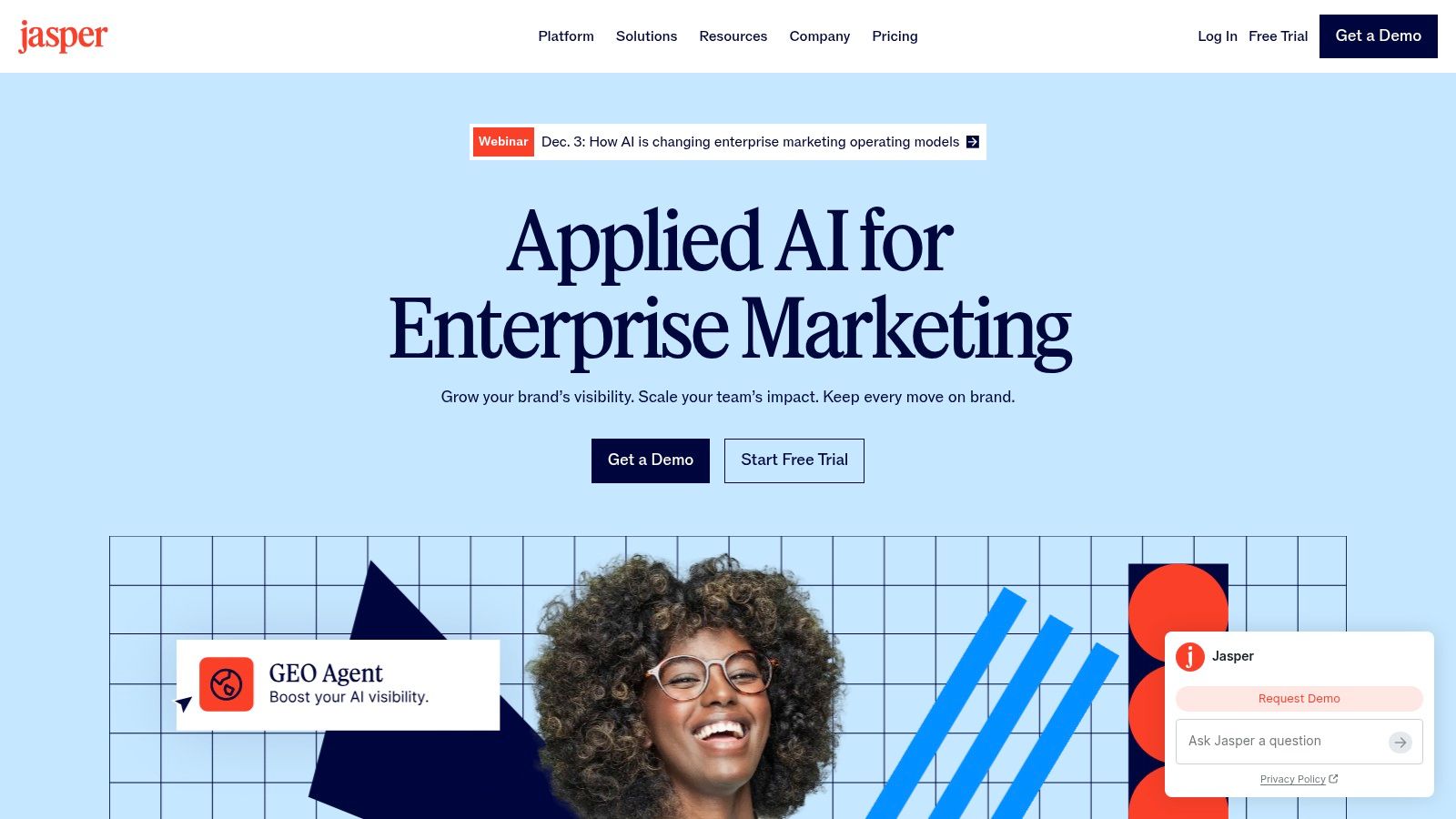
Jasper makes the most sense when several marketers need to follow the same brand guidance. A campaign spanning landing pages, emails, and social posts needs more than individually competent paragraphs. Writers need shared positioning, audience definitions, and approved information.
Canvas, brand voices, knowledge assets, audience settings, and marketing-focused workflows support that process. The value is repeatability and shared context, not a guarantee that every generated line will be publishable.
Pay for the Campaign Process
Supply approved product information and examples of acceptable language before generating campaign variations. Review claims separately from style, especially when adapting the same message for different audiences.
- Pricing: Jasper lists Pro at $59 per month per seat billed yearly or $69 billed monthly, with custom Business pricing.
- Free access: A permanent free plan isn't established in the product information.
- Main limitation: The cost is harder to justify for occasional solo drafting, and outputs can still need substantial editing.
I'd choose Jasper for recurring marketing production with meaningful brand constraints. I wouldn't choose it merely to improve a personal email or brainstorm an isolated blog introduction.
Build AI fact-checking into approval rather than assuming knowledge assets eliminate mistakes. A draft can follow your brand voice while misrepresenting a product capability.
The buying threshold is organizational. Pay when reusable guidance and campaign workflows reduce repeated briefing and review. If your content needs are irregular, a general-purpose assistant may be enough.
8. Copy.ai
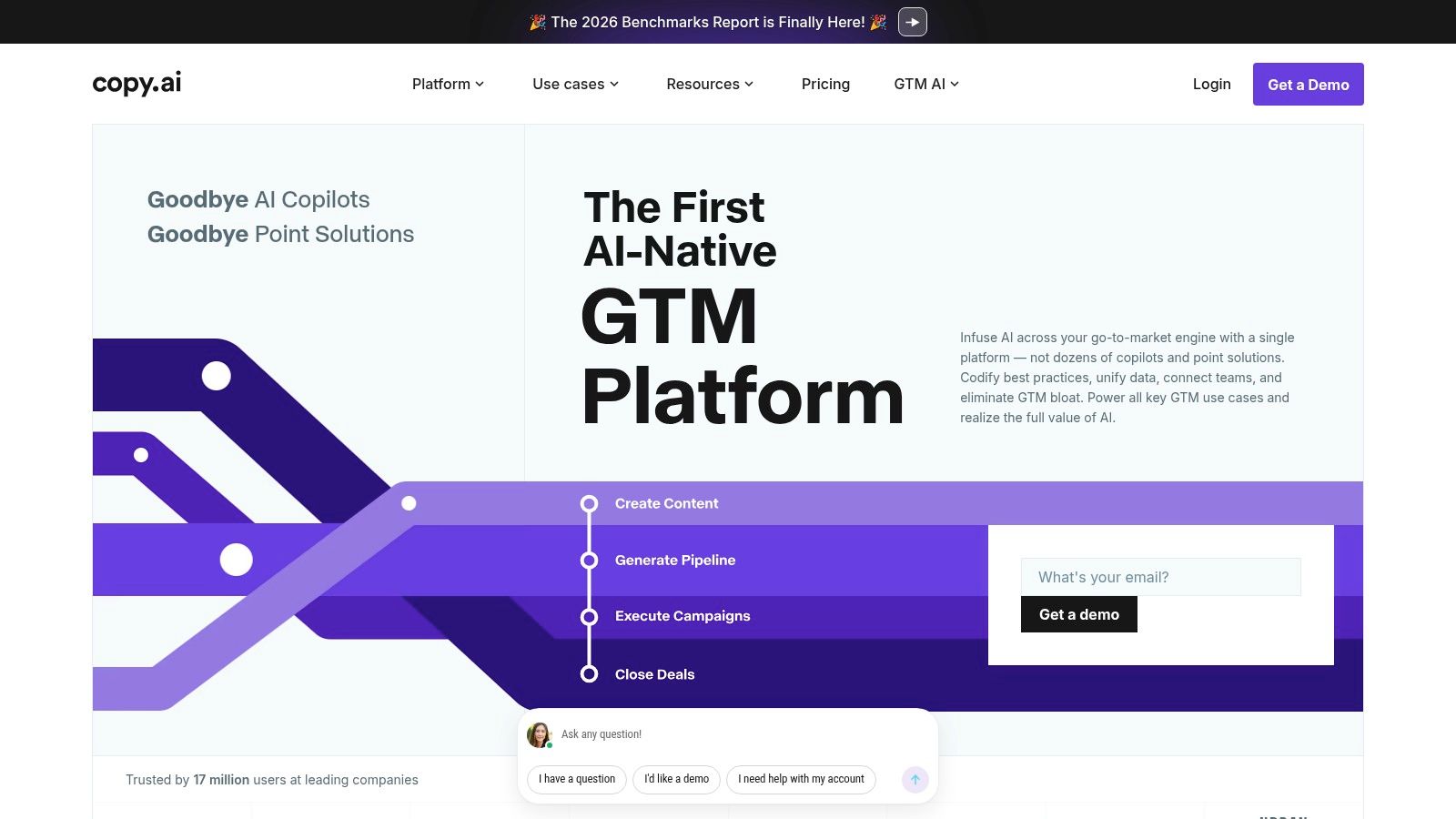
Copy.ai suits a sales or marketing team that wants to turn a repeatable writing task into a workflow. Think recurring outreach preparation, campaign adaptation, or structured sales copy, rather than manuscript editing.
Its Chat workspace provides access to models from OpenAI, Anthropic, and Gemini. Higher tiers add workflow credits, integrations, and enterprise-oriented capabilities, so choosing a plan requires separating conversational writing from automation.
- Chat pricing: Copy.ai lists Chat at $29 per month or $24 per month billed annually, including five seats and unlimited words in Chat.
- Free access: A permanent free plan isn't established in the product information.
- Automation limitation: Unlimited chat words don't mean unlimited workflow execution.
Budget Around the Finished Workflow
Workflow credits are separate, and complex runs can consume different amounts. Workflow-oriented tiers also cost substantially more than Chat, so don't assume the entry subscription covers the process you intend to automate.
Before committing, map the actual job. Identify the input, required output, review stage, and any integration needed to move information between systems. Then establish which steps require workflow credits.
Chat is the more straightforward purchase when your team mostly drafts and revises together. Higher tiers become relevant when repeatable automation, rather than access to more writing prompts, is the requirement.
Copy.ai is less compelling for a novelist or a student who mainly needs careful sentence editing. Its sales and marketing orientation is a benefit only when those are the jobs you need done.
9. Sudowrite
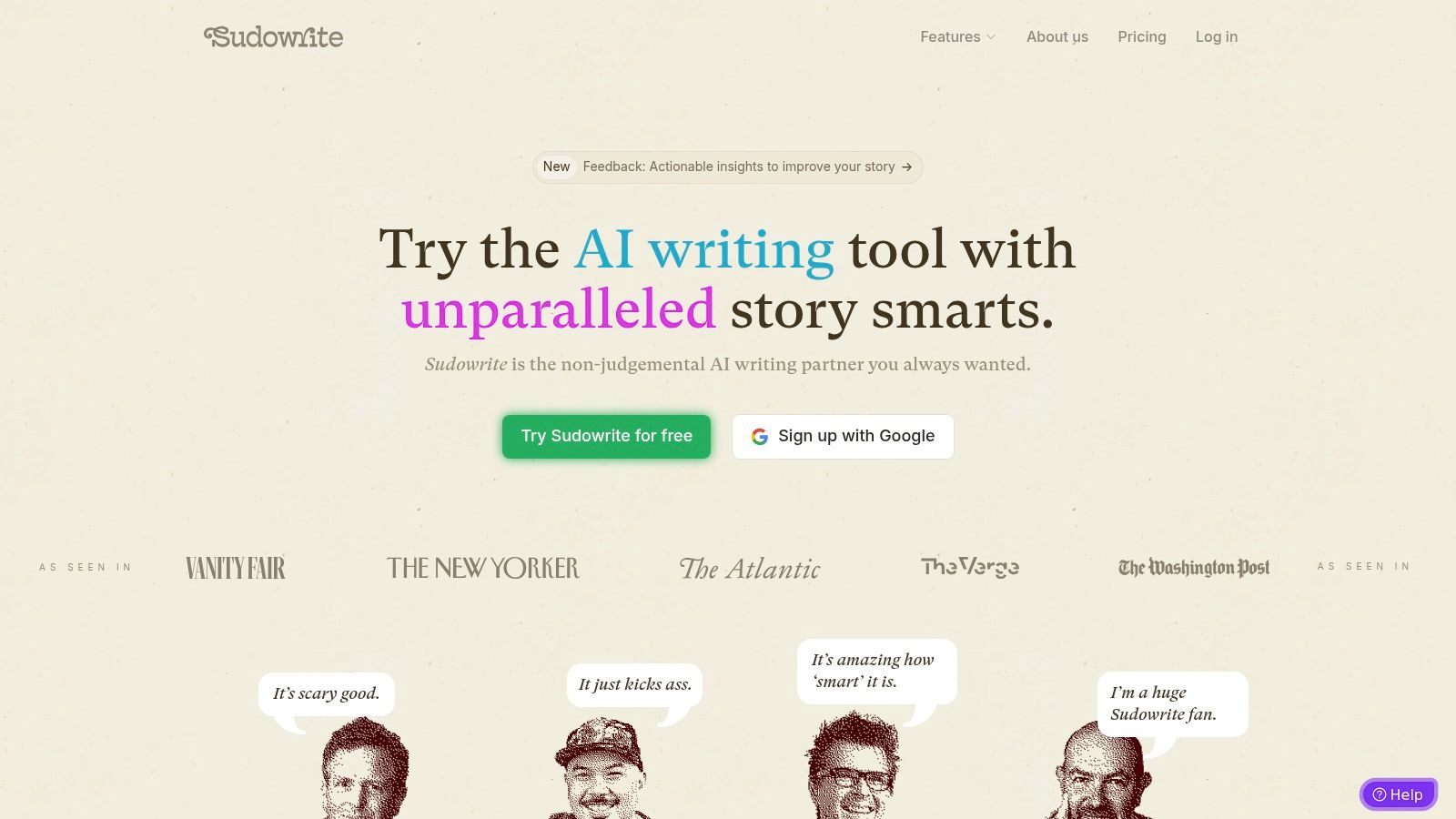
Your scene has dialogue and description, but nothing changes by the end. Sudowrite is the specialist choice for developing fiction, with brainstorming, outlining, expansion, scene continuation, and manuscript-aware tools.
Story Bible and related features organize assistance around narrative work. That's a more relevant starting point for a novel or screenplay than a library of advertising templates.
Use generated scene options to test possibilities. Keep responsibility for character motivation, continuity, and the final prose.
Give the tool a defined dramatic problem. Ask for ways a conversation could reveal a conflict without resolving it, then choose the direction yourself. Generating more description won't fix a scene that lacks a purpose.
Watch Credits While Experimenting
- Trial and pricing: Sudowrite offers a trial without a credit card and lists Hobby & Student at $10 per month billed annually or $19 monthly.
- Usage limitation: Credit consumption depends on the plan and task, so a subscription isn't a promise of unlimited drafting.
- Privacy statement: The company says user writing isn't used to train its models or OpenAI's models.
The author still needs to manage pacing, viewpoint, originality, and voice. Read generated passages alongside the surrounding manuscript, not as isolated samples.
Choose Sudowrite when story development is your recurring task. It's a poor match for contract summaries, technical reports, or academic proofreading. Its specialist features justify attention because they fit fiction, not because they remove the need to revise it.
10. Rytr
Rytr is a budget-conscious starting point for short copy. Use it for product blurbs, social captions, promotional email starters, and other tasks where a template can help you move past a blank page.
Give it concrete inputs. A bakery promotion needs the product, audience, availability, and intended action. Asking for enthusiastic marketing copy without those details produces language you'll have to replace.
Keep the Assignment Small
Templates, tone options, and multilingual support help with first drafts. They don't remove the need to check product details, cut clichés, and make sure the copy sounds appropriate for the reader.
- Free access and pricing: Rytr lists a free plan with 10,000 characters per month, paid pricing from $7.50 per month with annual billing, and another monthly view starting at $9.
- Trial barrier: Free access doesn't require a credit card.
- Main limitation: Character allowances aren't word allowances, and demanding long-form or team workflows need closer plan review.
Confirm the billing period and included features at checkout because the listed pricing views differ. Don't assume a low starting rate includes every capability you need.
For a short announcement, generate a starting version and edit it against the actual offer. For a source-heavy article, use a workflow that supports evidence gathering and structured revision.
Upgrade when the free character allowance blocks useful short-form work. Low cost alone isn't a reason to add another subscription if a tool you already use handles the same job.
How the Leading AI Writing Tools Compare on Price, Free Access and Best Use
| Item | Starting price | Free plan | Best for |
|---|---|---|---|
| BromeAI | Not disclosed | Not specified | Accessing multiple AI models in one workspace |
| ChatGPT | $20/month for Plus | Yes | Flexible writing, research, and general tasks |
| Claude | Check current pricing | Yes | Drafting and revising longer prose |
| Grammarly | $12/month for Pro | Yes | Polishing writing across apps and websites |
| QuillBot | $8.33/month billed annually | Yes | Paraphrasing and revising existing text |
| Wordtune | Check current pricing | Yes | Rewriting and refining sentences |
| Jasper | $59/month per seat billed yearly | Not specified | Brand-consistent marketing content for teams |
| Copy.ai | $24/month billed annually | Not specified | Sales and marketing writing workflows |
| Sudowrite | $10/month billed annually | Free trial | Fiction writing and story development |
| Rytr | $7.50/month billed annually | Yes | Budget-friendly short-form writing |
Choosing the Right AI Writing Tool for Your Next Draft
Return to the document that started the search. What job do you need done this week? Write it as an outcome, such as clarifying a client email, restructuring a research introduction, drafting a campaign, or repairing a scene that doesn't advance the story.
Then shortlist two or three tools from the comparison table that fit both the task and your budget. Test them on the same real draft, with the same source material and instructions. Compare the work you still need to do afterward, not just how polished the first response looks.
Match the Tool to the Bottleneck
- Wording and polish: Start with Grammarly, Wordtune, or QuillBot.
- Flexible drafting and revision: Consider ChatGPT, Claude, or a shared multi-model workspace.
- Marketing production: Compare Jasper's brand workflows with Copy.ai's chat and automation options.
- Fiction development: Test Sudowrite on a genuine manuscript problem.
- Short copy on a tight budget: Try Rytr before committing to a larger platform.
For search-led publishing, separately compare top AI SEO writing tools. Drafting assistance and search optimization solve different problems. Don't assume fluent prose means the article answers the reader's query or covers the necessary evidence.
Budget beyond the headline subscription price. Check annual commitments, seat requirements, character allowances, model access, and workflow credits. Where pricing or free access isn't clearly established, keep that uncertainty in your decision rather than filling it with an assumption.
Keep Editorial Responsibility
For students, follow your institution's rules and preserve drafts and sources. For researchers, verify that citations support the exact sentence attached to them. For engineers and business teams, check calculations, requirements, and document interpretations against the originals.
Responsible use requires more than familiarity. In a learner survey, only 20% of respondents felt extremely or very well prepared to use generative AI effectively and appropriately in the workplace, according to Quality and Qualifications Ireland's survey report.
Pay when a tool removes a recurring obstacle you can name. That might mean fewer repeated explanations, more reliable access, shared brand guidance, or fiction-specific support. If it produces attractive text but leaves you rebuilding the argument, checking every detail, and restoring your voice, keep testing before subscribing.
BromeAI combines multiple AI models, document analysis, source-backed research, and visual creation in a shared workspace. If your writing involves scattered files and repeated switching between assistants, visit BromeAI to explore a workflow that keeps drafting and revision together.